

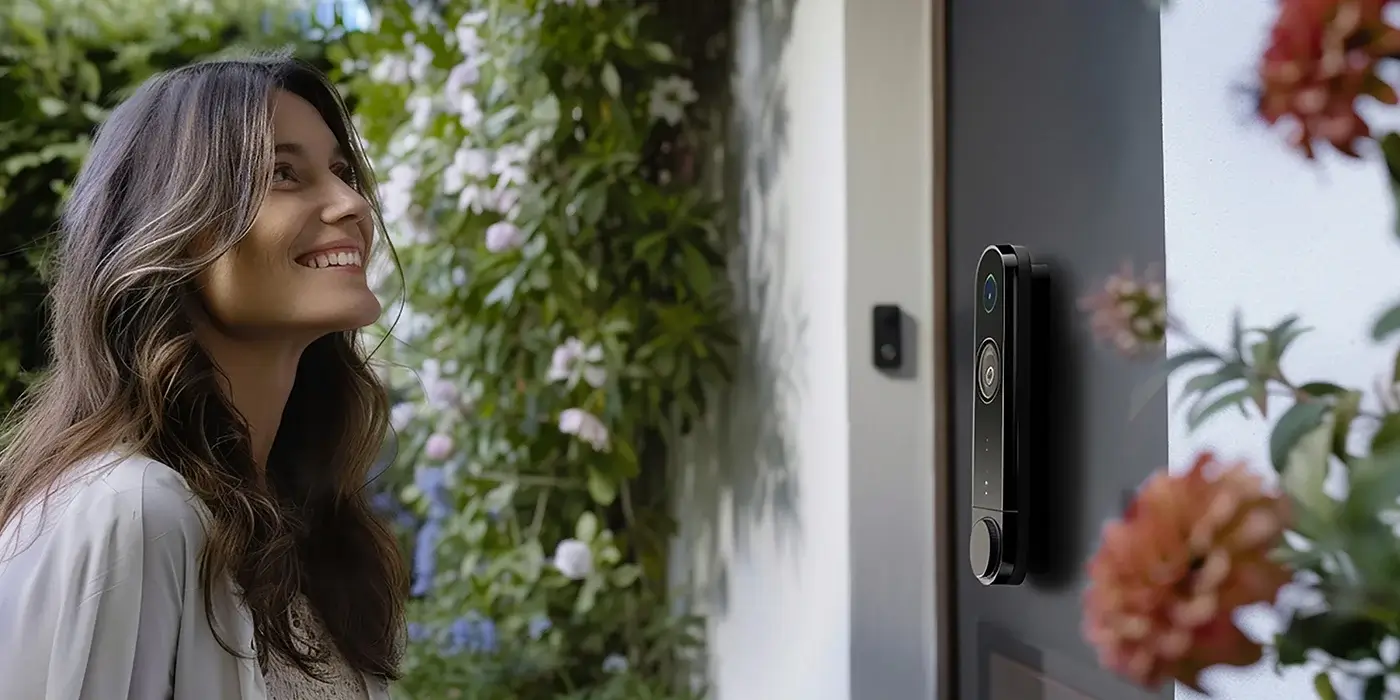
Facial recognition used to feel like something out of a spy movie, but it now lives on phones, at airport gates, and increasingly on front doors across NYC. If you are thinking about adding it to your home, the real question is not whether the technology works. It is whether it fits the way you actually live, who you want walking into your building, and how much data you are comfortable handing over. This guide breaks down what the technology does well, where it falls short, and how it fits into a serious home security setup in the city.
Key Takeaways
- It recognizes faces, not people: The camera maps the geometry of a face and checks it against a short list you control, so results are only as good as the enrollments and the lighting you give it.
- It works best as one layer: Pairing a recognition camera with a solid deadbolt, a smart lock, or a keypad gives you convenience at the door without relying on the camera alone to keep intruders out.
- Privacy setup matters: Choosing a system with local processing, encrypted storage, and clear data controls is the difference between a useful tool and a liability.
How Facial Recognition Works on a Home Camera
A facial recognition camera does three things in sequence. It detects that a face is present in the frame, it measures dozens of small geometric points across that face, and it compares the resulting pattern to the people you have already enrolled. If the pattern matches one of your saved profiles within the system’s confidence threshold, the camera flags it as a known visitor. If nothing matches, it is tagged as an unknown person and you get an alert.
What the Camera Actually Sees
Good systems do not store a photo of your face the way you might think. They store a mathematical template, something closer to a fingerprint than a picture. That template is what gets matched against each new face at the door. Because the template is just numbers, a stolen database is less useful to a bad actor than a folder of photos would be, but it is still sensitive data and should be protected accordingly.
Why Lighting and Angle Matter
The single biggest reason a recognition camera misses a face is a bad viewing angle. Cameras mounted too high look down at a hat or a hood. Cameras pointed directly into the afternoon sun wash out every detail. For city homes, mounting the camera at roughly face height and giving it even, indirect light will do more for accuracy than any software upgrade.
Where Facial Recognition Actually Helps at Home
The most useful role for a recognition camera is filtering. In a typical NYC building, a plain motion-triggered camera will ping you every time a delivery person, a neighbor, or a dog walker passes by. A recognition camera can be told to stay quiet for the faces you know and only speak up when it sees someone new. That changes the alert from background noise into something worth looking at.
- Get a notification the moment an unfamiliar person lingers at your door.
- Let family members walk up to the door without triggering an alert every time.
- Review a short named history of who arrived and when, instead of scrubbing through hours of footage.
- Combine recognition with a smart lock so the door can unlock only when a recognized person is also holding an authorized phone or keycard.
Pairing Recognition With the Lock Itself
A camera that identifies a face is not the same thing as a lock that keeps someone out. Facial recognition is a great trigger for convenience features, but the hardware on the door still has to be solid. If you are upgrading anyway, this is a good moment to look at a real high-security lock with controlled key duplication. The camera handles the “who is this” question and the lock handles the “can they actually get in” question.
The Honest Drawbacks
Every homeowner selling you on facial recognition will talk about the upsides. The drawbacks are worth taking just as seriously.
- False negatives: Hats, sunglasses, a new beard, or low light will occasionally cause the system to miss a face it should know. You do not want to be locked out of your own automation on a cold night.
- False positives are rare but real: Modern systems are good, but no consumer camera is perfect, and treating a match as absolute proof of identity is a mistake.
- Cloud dependence: Some systems send every face to a remote server for processing. If the internet drops, your “smart” features can stop working, and your data is sitting on someone else’s infrastructure.
- Privacy exposure: Neighbors, guests, and delivery workers end up in the database whether they opted in or not. In a dense city like New York, that is worth thinking about.
What to Look For in a System
If you have decided the trade-off is worth it, a few features separate a serious product from a gimmick.
On-Device or Local Processing
Systems that do the matching on the camera itself, or on a hub inside your home, are faster and keep your face templates off the public internet. Cloud-only systems tend to be cheaper upfront but come with more questions about where your data lives.
Clear Data Controls
You should be able to see the list of enrolled faces, delete any one of them, and export or wipe the entire database with a couple of taps. If that is buried or missing, walk away.
Real Integration With the Door
A recognition camera that can talk to your smart lock, intercom, or existing alarm is far more useful than one that just sends notifications. Ask how the camera integrates before you buy, not after.
Installation Tips for NYC Homes and Apartments
Urban doors bring their own challenges. Narrow vestibules, glass storefronts, and shared hallways change what a camera can actually see. A few rules of thumb that hold up across Manhattan walk-ups, co-ops, and brownstones:
- Mount the camera five to six feet off the ground so it catches faces instead of the tops of heads.
- Avoid pointing it at a mirrored or glass surface that will reflect sunlight into the lens.
- Keep the enrollment list short and current. If a roommate moves out, remove their profile that same day.
- Make sure your building’s rules allow external cameras before drilling into a shared hallway or facade.
If you are bundling this into a broader upgrade, the same visit that installs the camera is a good time to have a residential locksmith check the deadbolt, strike plate, and door frame. The strongest camera in the world will not help if the door itself can be kicked open.
Where This Technology Is Heading
Two trends are worth watching. The first is a steady shift toward on-device processing, which is good news for anyone worried about cloud storage of biometric data. The second is tighter integration between recognition cameras, smart locks, and building-level access systems, so a single trusted profile can move you from the lobby to your apartment without juggling keys and codes. Expect more cities, including New York, to add regulation around biometric data over the next few years, so choosing a vendor with transparent data practices today will save you a headache later.
Final Thoughts
Facial recognition is a useful tool when it sits on top of a solid door, a real lock, and a clear understanding of the trade-offs. Treat it as a smart layer that makes your security system less noisy and more convenient, not as a replacement for the basics. If you want help thinking through how it fits with your existing setup, or if you are starting from scratch on a new apartment, our team is happy to walk the property with you and lay out the options in plain English.
Need professional help in NYC? Contact Golden Key Locksmith NYC for Manhattan Locksmith Services or Apartment Lockout Help. Available 24/7 across Manhattan and all NYC boroughs.